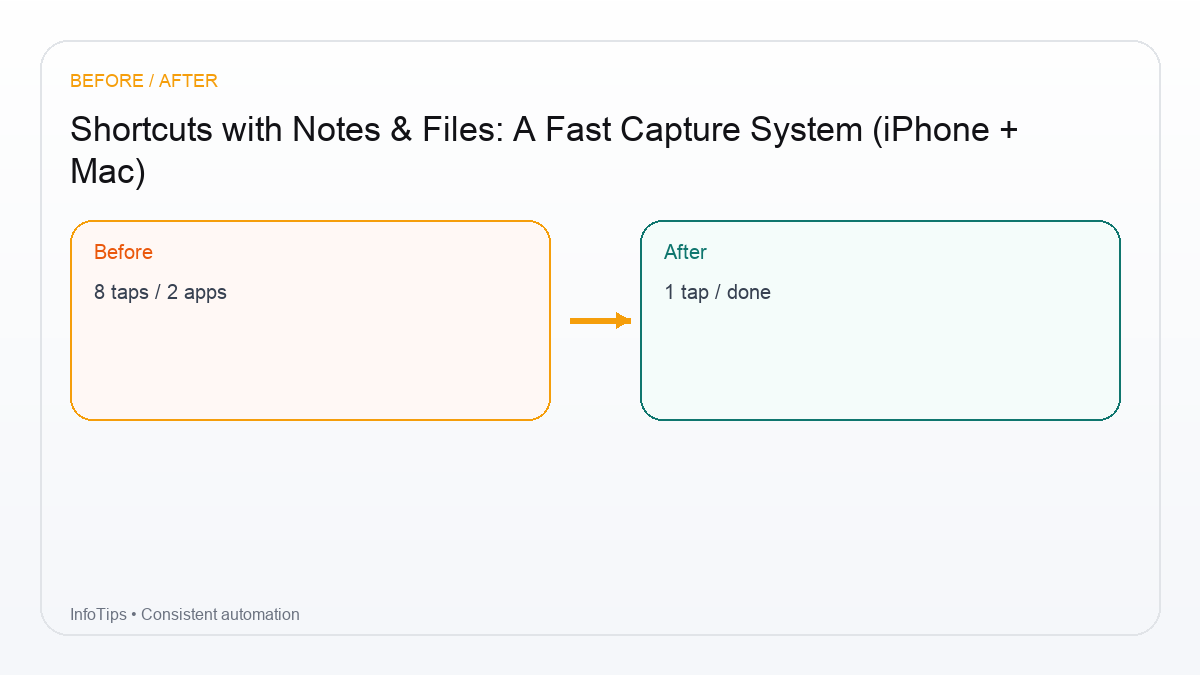
Shortcuts with Notes & Files: A Fast Capture System (iPhone + Mac)
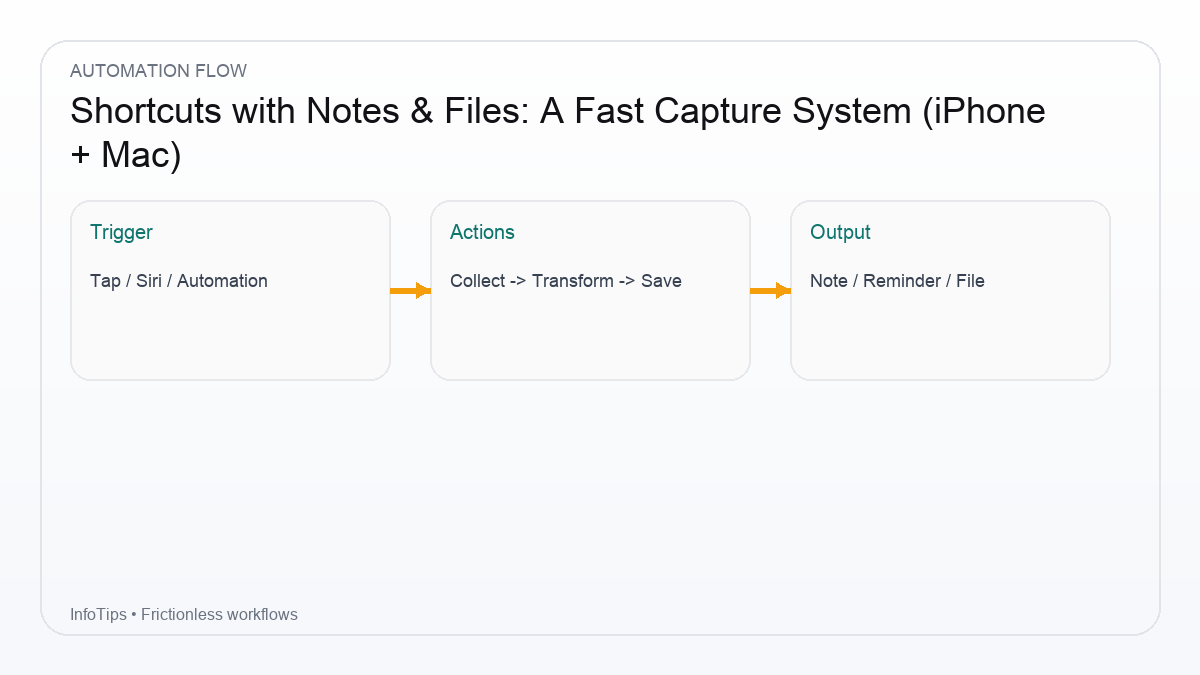
The problem: capture is easy, organizing is not
Most people lose notes because they capture into five places: Notes, Reminders, messages to self, screenshots, and random files. A good system has one capture funnel and a simple weekly cleanup step.
A fast capture system (iPhone + Mac)
Step 1: Choose one capture destination
- Notes folder called “Inbox”, or
- A single pinned note called “Inbox”
Step 2: Build a “Capture” shortcut
- Ask for Input: text
- Current Date
- Text: format entry with timestamp
- Create Note (append) or create a new note in Inbox folder
Step 3: Add a Files drop zone
Create a folder like iCloud Drive/InfoTips/Inbox. Then make a shortcut that saves files into that folder using the Share Sheet.
3 practical workflows
1) Save a webpage to Notes + Files
- From Share Sheet: Get webpage title + URL
- Create a note with a short summary placeholder
- Optional: Save a PDF snapshot to the Files Inbox
2) Rename and file screenshots
- Pick recent screenshots
- Ask for a prefix name
- Save to a specific album/folder
3) Meeting capture: note + folder
- Ask for meeting title
- Create a note template
- Create a folder in Files with the same title for attachments
Table: where each capture type should go
| Type | Best destination | Why |
|---|---|---|
| Quick idea | Notes Inbox | fast + searchable |
| Action item | Reminders | time-bound |
| Reference file | Files Inbox | structured storage |
| Link to read later | Notes + URL | context retained |
Checklist: keep it sustainable
- One inbox. One weekly cleanup.
- Don’t tag everything. Tag only what you’ll search later.
- Use templates for repeated note types (meeting notes, reading notes).
- Keep file structure shallow (2–3 levels max).
FAQ
Should I use Notes or a third-party app?
Start with Notes/Files. They’re reliable and fast. Add tools later if you hit real limits.
Can Shortcuts create folders in Files?
Yes, depending on the actions available. If it fails, verify the target location and permissions.
What about syncing?
iCloud sync usually works well, but test on your devices and keep critical docs backed up.
How do I avoid inbox overload?
Schedule a weekly 15-minute cleanup and keep capture friction low.
What should I build next?
Integrate capture with Reminders/Calendar for tasks that need scheduling.
Next reads